Your business, as one explicit model.
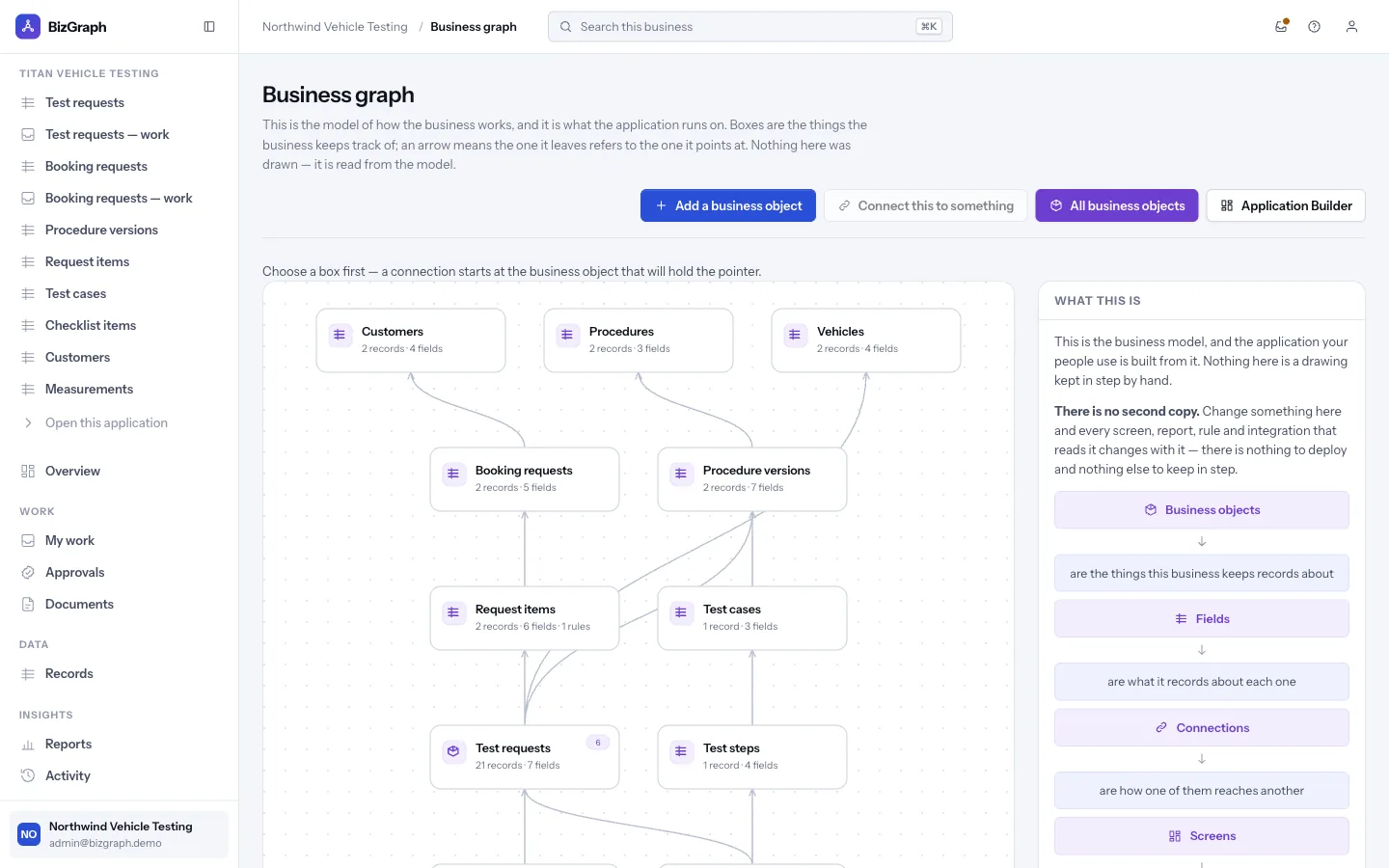
Business objects, their fields, the connections between them and the rules that calculate values — kept as data you can read, change and verify, not buried in screens, scripts or cells.
Everything the application needs to know, and nothing hidden.
- Business objects — the things you keep track of, each with typed fields: text, money, dates, choices, references.
- Connections — which object refers to which, so a rule, a report or a screen can reach across them.
- Calculated values — formulas over fields and connections, compiled into rules the runtime executes.
- Numbering, stages, workflows, approvals and roles — configured in the same model, not in code.
A business object, a field and a connection are rows the platform reads, not tables a developer created. One generic engine serves all of them, which is why a vehicle-testing business and a sales team get different applications from the same product.
Or let Tavuni find the model in a workbook you already use.
The example workbook — 2,993 formulas over 10 sheets — yields this graph, with every connection found from a lookup formula the workbook already contained.
The 6 relationships as a list
Customer.segment→PricingRuleUplift.segmentCustomer.country→TaxRate.countryOrder.customerId→Customer.customerIdOrderLine.orderId→Order.orderIdOrder.shipCountry→TaxRate.countryOrderLine.sku→Product.sku
- Excel
- =SUMIFS(OrderLines!$H$4:$H$383,OrderLines!$B$4:$B$383,A4)
- Rule
- SUM(OrderLine.lineTotal WHERE OrderLine.orderId = Order.orderId)
- Excel
- =IFERROR(VLOOKUP(E4,TaxRates!$A$4:$B$9,2,FALSE),DefaultTaxRate)
- Rule
- IFERROR(LOOKUP(TaxRate WHERE TaxRate.country = Order.shipCountry).taxRate, Setting.DefaultTaxRate)
- Excel
- =IF(D4="Cancelled",0,MAX(FreightMinimum,ROUND(I4*FreightRate,2)))
- Rule
- IF(Order.status = "Cancelled", 0, MAX(Setting.FreightMinimum, ROUND(Order.netAmount * Setting.FreightRate, 2)))
A model you can inspect is a model you can trust.
No second copy of the rules
The application is compiled from the model. Change the model and every screen, report and integration changes with it — there is no code to fall out of step.
Versioned and diffable
Every published change is a new version with its author recorded, and two versions can be compared in business terms.
Traceable to its source
A rule compiled from a spreadsheet keeps the original formula and cell range beside it, so a number can always be traced back.
See it work on a real workbook, in your browser.
The example operations workbook opens in Tavuni with no account and nothing uploaded. Every number on this site comes from that same pipeline.